Why Your @Observable View Isn't Updating: SwiftUI Tracks Reads, Not Writes
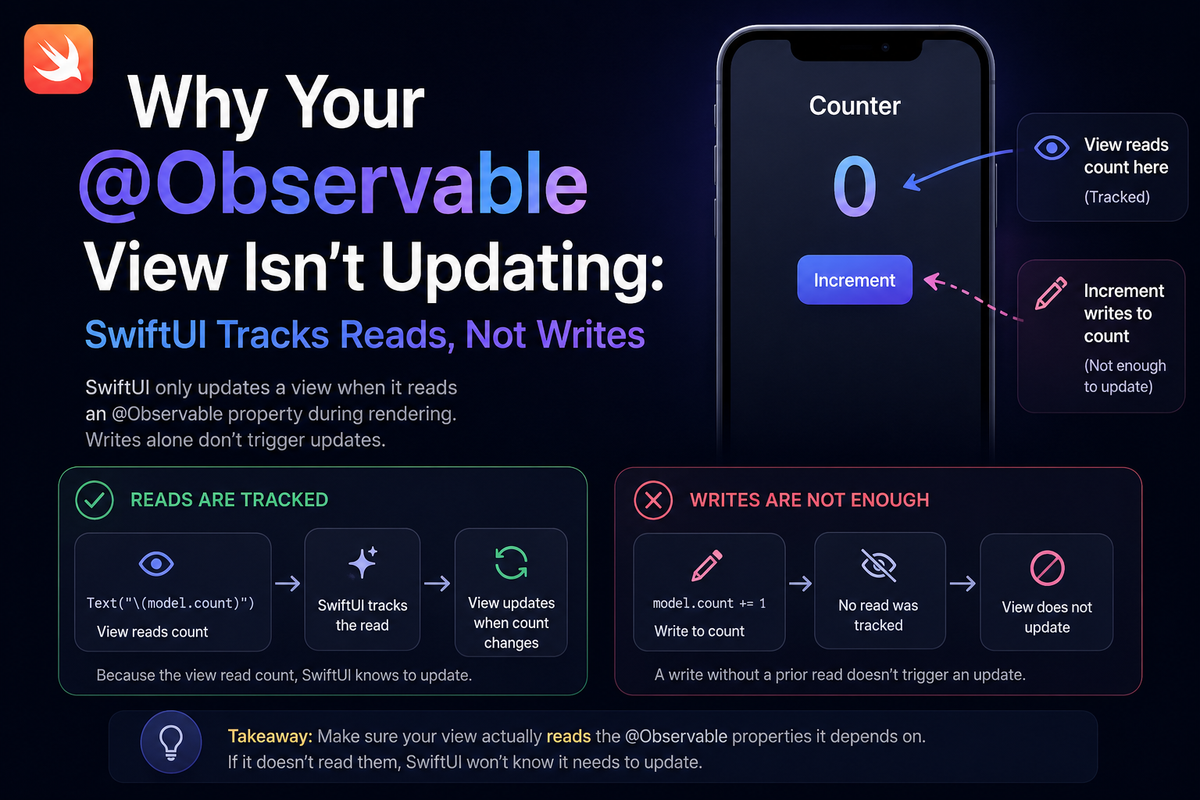
A property changes and the view doesn't move. You can log the new value, you can watch it tick over in the debugger, but the UI keeps showing the old one. There's no crash, no console warning, no purple runtime issue — and the line that should have triggered the refresh looks completely correct. It's the kind of thing you end up filing under "SwiftUI being SwiftUI."
It usually isn't a bug. The Observation framework behind @Observable does exactly one thing, very precisely: it refreshes a view for the properties that view's body actually reads. Not the ones it writes, not the ones it depends on conceptually — the ones whose getters run while body is being evaluated. Once that rule is in your head, this entire family of stale-view problems becomes predictable.
What the framework actually tracks
When SwiftUI evaluates a view's body, it runs it inside withObservationTracking. Every time your code calls the getter of an @Observable property during that evaluation, the framework records the access: this view now depends on this property. When a recorded property later changes, the body re-runs. A property whose getter was never called during the last evaluation simply isn't in the dependency set, and changing it does nothing.
import SwiftUI

@Observable
final class Counter {
    var value = 0
}

struct CounterView: View {
    let counter: Counter

    var body: some View {
        // Reading counter.value HERE, during body, is what registers
        // the dependency. Now any change to `value` re-runs this body.
        Text("Count: \(counter.value)")
    }
}
The important word is during. Tracking is scoped to the synchronous run of body, and that scope is re-established on every render — so the dependency set is always exactly the properties read by the most recent body, no more and no less.
The short-circuit rule, precisely
This is where the familiar "&& ordering" advice comes from. Swift stops evaluating a boolean expression the moment the outcome is decided, so the operand on the losing side never executes and its getters never run.
@Observable
final class ExposureSettings {
    var minEV = 0.0
    var maxEV = 1.0
}

struct RangeLabel: View {
    let settings: ExposureSettings
    @AppStorage("showEV") private var showEV = false

    var body: some View {
        // When showEV is false the expression short-circuits, so the
        // getter for settings.minEV is never called — and it isn't in
        // this body's dependency set.
        if showEV && settings.minEV > 0 {
            Text("Range \(settings.minEV)–\(settings.maxEV)")
        }
    }
}
It's worth being precise about what this costs, because the usual framing oversells it. In a pure boolean gate like this, the skipped operand can't change the result the view is displaying — and if the flag doing the short-circuiting is itself reactive (@State, @AppStorage, or another @Observable read), flipping it re-runs body and re-establishes the read. So the simple case tends to self-heal. Putting the @Observable access first is still a good habit because it removes the trap with zero downside. But the version that genuinely strands a view is subtler: it's when the read escapes body altogether.
Where it actually strands your view
The sharpest edge isn't operator ordering — it's reading a property somewhere other than body. A getter called inside a .task, an onChange handler, or a button's action runs after body has finished, outside the tracking scope. The view never subscribes, and nothing re-arms it later.
@Observable
final class Document {
    var title = "Untitled"
}

struct TitleView: View {
    let document: Document
    @State private var cachedTitle = ""

    var body: some View {
        // BUG: the body shows `cachedTitle`. document.title's getter
        // runs inside .task — after body, outside the tracking scope —
        // so the view never depends on it. Later edits update `title`,
        // but this label stays frozen on its first value.
        Text(cachedTitle)
            .task { cachedTitle = document.title }
    }
}
The fix is the same shape every time: read the dependency directly in body, so its getter runs while tracking is active.
struct TitleView: View {
    let document: Document

    var body: some View {
        // The getter runs during tracking, the view subscribes, and
        // every edit to document.title now refreshes the label.
        Text(document.title)
    }
}
More ways the dependency goes missing
Nested types that aren't observable
@Observable only instruments the type you attach it to. Reach through it into a nested plain class and you track the reference, not the inner properties.
// Only the OUTER type is observable.
final class Profile {            // plain class — not observed
    var displayName = "Anon"
}

@Observable
final class Account {
    var profile = Profile()
}

struct NameLabel: View {
    let account: Account

    var body: some View {
        // Reading account.profile tracks the `profile` reference, not
        // Profile's internals. Mutating displayName on the same Profile
        // instance won't refresh this view.
        Text(account.profile.displayName)
    }
}
Mark Profile with @Observable too and the inner property is tracked again.
Assumptions carried over from ObservableObject
With the older ObservableObject, any @Published change fired objectWillChange and refreshed every observing view, whether it read that property or not. Observation is finer-grained — that's the performance win — but it means "I changed something on the model, so everything refreshes" is no longer true. Each view gets exactly what it reads, and nothing more.
Read your dependencies up front
When a body has several exit paths or heavy conditionals, the robust move is to pull the values you depend on into locals at the very top, before any branching. The getters run unconditionally, the dependencies register on every render, and the rest of the body can branch however it likes without dropping a subscription.
Summary
Observation tracks reads, not writes — and only the reads that happen inside body while it is being evaluated. Most short-circuit cases quietly self-heal, but reads that escape into closures, reach through non-observable nested types, or lean on old ObservableObject habits will leave a view stale with no warning at all. When a view won't update, ask one question first: did its body actually read the property that changed?