withTaskCancellationShield: Making Swift's Cleanup Code Actually Run (SE-0504, Swift 6.4)
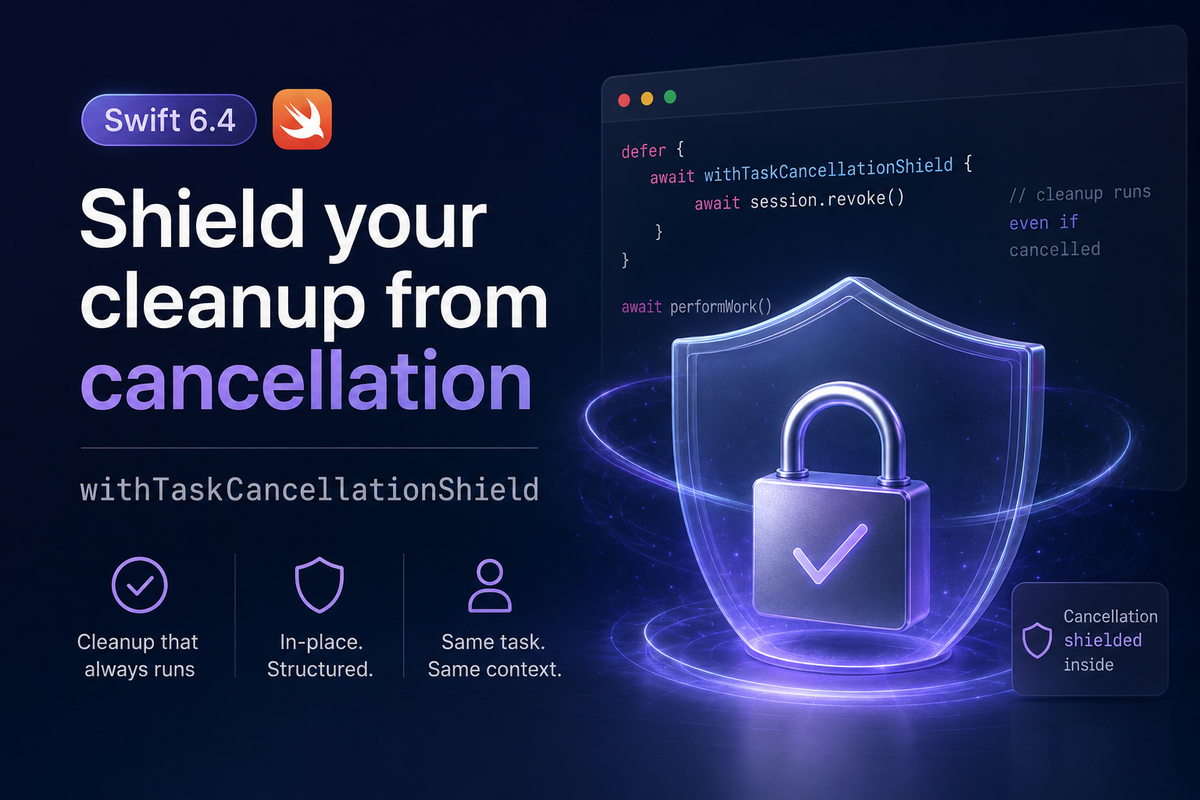
Ever wrap a token revoke, a lock release, or a rollback in defer, only to have that exact call skip itself the moment the task gets cancelled? It's not a bug in your code — it's how cancellation is supposed to work, and it's exactly the gap Swift 6.4 closes with withTaskCancellationShield, introduced by SE-0504: Task Cancellation Shields.
Task cancellation in Swift is cooperative and permanent: once Task.isCancelled flips to true, it stays true for the rest of that task's life — including inside the defer block that's supposed to clean up after it. Any cooperative API your cleanup calls into (a network client that bails out on cancellation, a database driver that skips its rollback) reads that same signal and quietly no-ops at the exact moment you need it to finish. SE-0504 gives you a way to run a block of code as if the task weren't cancelled, without lying to the rest of your program about its actual state.
Cancellation reaches into defer too
Before Swift 6.4, defer bodies couldn't call async functions at all. SE-0493 lifted that restriction, so a plain await inside defer compiles today. But async defer doesn't hide cancellation — it just lets you await inside the block. If the async work you're deferring routes through anything that checks Task.isCancelled, it still bails out early:
struct SessionToken {
    let value: String

    // A cooperative API: honors cancellation by bailing out early.
    func revoke() async {
        guard !Task.isCancelled else {
            print("Skipped revoke — task already cancelled")
            return
        }
        // ...network call to invalidate the token server-side
        print("Revoked \(value)")
    }
}

func performWork() async {
    // ... some cancellable work
}

func handleRequest(session: SessionToken) async {
    defer {
        // SE-0493 lets this compile, but revoke() still checks
        // Task.isCancelled internally — and that's `true` by the time
        // defer runs on a cancelled task, so nothing gets revoked.
        await session.revoke()
    }
    await performWork()
}
The old workaround, and its cost
Before SE-0504, the only way to force cleanup to run despite cancellation was to spin up a new, unstructured task — which starts fresh and uncancelled:
func handleRequestLegacy(session: SessionToken) async {
    defer {
        // A detached task starts uncancelled, with none of the parent's
        // priority or actor context — so revoke() won't bail out...
        Task.detached {
            await session.revoke()
        }
        // ...but defer has no way to wait for it. The function can
        // return — and the process can exit — before revoke() finishes.
    }
    await performWork()
}
This "fixes" the symptom but trades it for three worse problems: the detached task doesn't inherit the parent's priority, so cleanup can get starved under load; it doesn't inherit the parent's actor isolation, so touching actor-isolated state from inside it needs its own hop back; and — as the comment shows — nothing awaits it, so it's a best-effort fire-and-forget rather than a guarantee.
withTaskCancellationShield, in Swift 6.4
SE-0504 replaces that workaround with a function that runs a block in place, on the same task, while making Task.isCancelled (and Task.checkCancellation()) report as if nothing were cancelled — only for the duration of that block:
func handleRequest(session: SessionToken) async {
    defer {
        await withTaskCancellationShield {
            await session.revoke()
        }
    }
    await performWork()
}
Outside the shield, cancellation is exactly as it was before — the shield doesn't cancel the cancellation, it just stops the code inside the block from observing it:
print(Task.isCancelled)               // true — task was already cancelled
await withTaskCancellationShield {
    print(Task.isCancelled)           // false — inside the shield
}
print(Task.isCancelled)               // true again — outside it
withTaskCancellationShield ships as two overloads — a synchronous one and an async one — so it works whether your cleanup itself needs to await or not, and the async overload preserves the caller's actor isolation instead of hopping off to a new context the way an unstructured Task does.
Gotchas
Child tasks don't inherit the shield. Spawning async let work or a TaskGroup from inside a shielded block only affects whether that child task sees itself as cancelled the moment it's created — the shield doesn't extend into the child's own running body, and it doesn't stop explicit cancellation. Calling group.cancelAll(), or cancelling the current task from inside the shield, still registers immediately. If a child task's own cleanup needs the same protection, wrap that child's work in its own shield.
Task.hasActiveCancellationShield is a debugging aid, not a branch condition. It exists so logging and diagnostics can tell whether code is currently running inside a shield. Reviewers flagged exactly the failure mode to avoid: writing if Task.hasActiveCancellationShield { ... } as production control flow, which quietly couples your logic to an implementation detail meant for introspection.
Shields are for short cleanup, not for hiding cancellation from real work. Wrapping an entire long-running operation in a shield defeats the point of cooperative cancellation — the caller asked to stop, and code that never checks again will keep running regardless. Reach for it around the specific cleanup call that must finish, not around everything downstream of it.
Summary
Task.isCancelled staying true forever is correct — but it means naive cleanup code that checks it will skip itself at the worst possible moment. SE-0504's withTaskCancellationShield gives Swift 6.4 a scoped, structured way to run that cleanup as if cancellation hadn't happened, without the priority loss, actor-isolation hop, or fire-and-forget uncertainty of spinning up an unstructured task. Pair it with SE-0493's async defer, keep it narrowly scoped to the cleanup itself, and cancellation stops being something your cleanup code has to work around.