Branching Haptics in SwiftUI: Getting More Out of sensoryFeedback
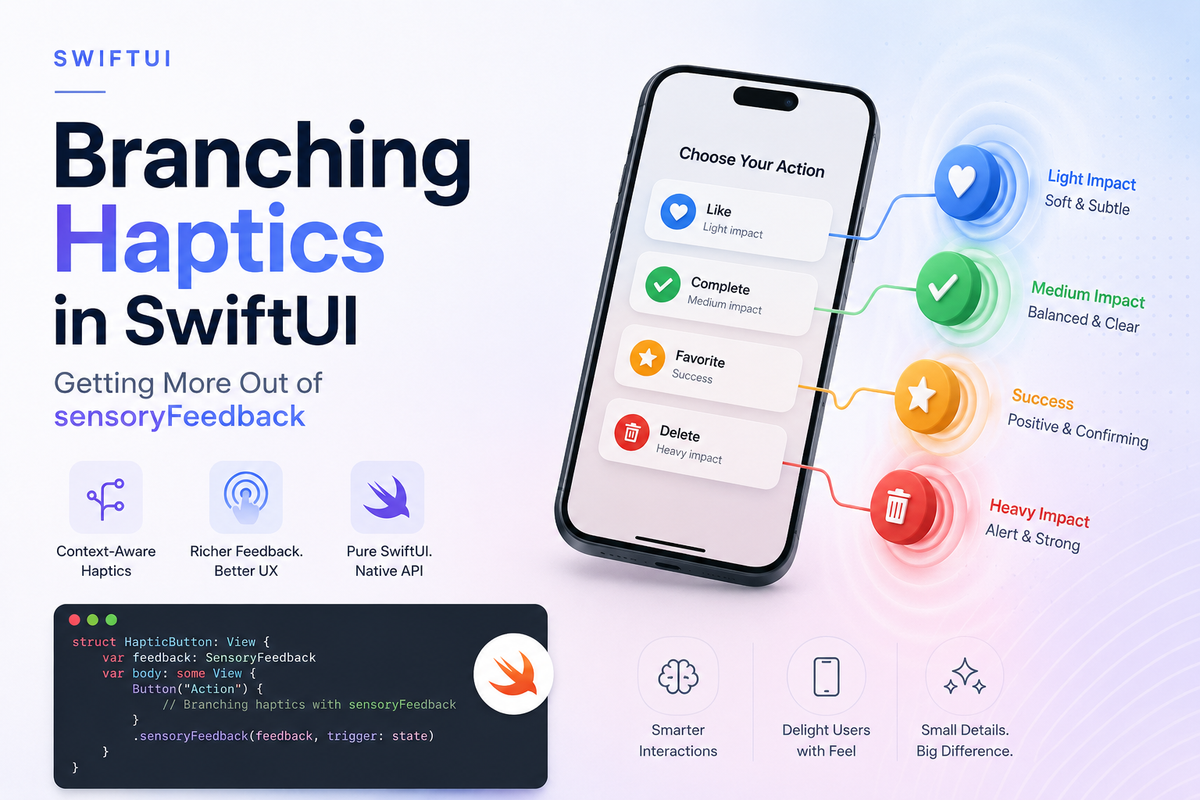
Most apps reach for sensoryFeedback exactly once and wire it to a single outcome: a button tap plays .impact, a save plays .success. That works, but it leaves most of the API on the table. The modifier was built to branch — one declaration can pick a different haptic for success, failure, or no feedback at all, all from the data you already have.
iOS 17 moved haptics into SwiftUI as a first-class view modifier. No more UIImpactFeedbackGenerator, no prepare() calls, no UIKit bridging. But the real win isn't the convenience — it's that sensoryFeedback is driven by a trigger value, and that opens up patterns the one-shot examples never show.
The trigger model
Every sensoryFeedback modifier watches an Equatable value. When that value changes, SwiftUI plays the feedback. The simplest form looks like this:
struct SaveButton: View {
    @State private var didSave = false

    var body: some View {
        Button("Save") { didSave.toggle() }
            .sensoryFeedback(.success, trigger: didSave)
    }
}
The key word is changes. Feedback fires on a transition from one value to the next — never on the initial value when the view first appears. That's usually what you want, but it's the first thing that trips people up (more on that below).
Branching with the closure variant
The variant almost nobody reaches for takes a closure instead of a fixed feedback. SwiftUI hands you the old and new values of the trigger, and you return a SensoryFeedback — or nil for silence:
enum UploadResult: Equatable {
    case idle, success, failure, retrying
}

struct UploadView: View {
    @State private var result: UploadResult = .idle

    var body: some View {
        UploadForm(result: $result)
            .sensoryFeedback(trigger: result) { _, new in
                switch new {
                case .success:  return .success
                case .failure:  return .error
                case .retrying: return .warning
                case .idle:     return nil   // cleared — stay silent
                }
            }
    }
}
One modifier, three distinct haptics and a silent case. The trigger already carries the context you need to choose the right feedback, so branching inside the closure beats scattering three separate .sensoryFeedback modifiers across the view — each of which would need its own bespoke trigger.
Intensity: matching the physical weight
SensoryFeedback ships with a rich vocabulary — .success, .warning, .error, .selection, .increase, .decrease, .start, .stop, .alignment, .levelChange, and .impact. The .impact case is the one with hidden depth. It takes a weight (.light, .medium, .heavy) or a flexibility (.rigid, .solid, .soft), plus an intensity from 0.0 to 1.0:
struct DragTarget: View {
    @State private var didLandSoftly = false
    @State private var didSnapToEnd = false

    var body: some View {
        CardStack()
            // a gentle landing
            .sensoryFeedback(
                .impact(weight: .medium, intensity: 0.3),
                trigger: didLandSoftly
            )
            // a hard end-of-scroll snap
            .sensoryFeedback(
                .impact(weight: .heavy, intensity: 1.0),
                trigger: didSnapToEnd
            )
    }
}
The same .impact API expresses both a barely-there nudge and a firm thud — you just turn the intensity dial. This is how the system haptics in Maps, Photos, and the share sheet get their texture, and you get it without touching Core Haptics.
The condition variant
There's a third form: keep a fixed feedback, but gate it with a closure that returns a Bool. Feedback plays only when the closure says so:
.sensoryFeedback(.success, trigger: results) { _, newValue in
    !newValue.isEmpty   // skip the haptic on an empty result set
}
Reach for this when the type of feedback is constant but you only want it some of the time.
Gotchas worth knowing
It never fires on the initial value
If you set a trigger to its "success" state before the view appears — say, restoring saved state — no haptic plays. Feedback needs a transition. If you genuinely need a haptic on appearance, change the trigger after onAppear.
The trigger must be Equatable
SwiftUI compares old and new values to detect a change. Custom enums and structs work fine as long as they conform. If your trigger is a struct that changes in a field SwiftUI can't see as different, the haptic silently won't fire.
It respects the system, and the platform
Feedback honors the user's system haptics setting — if they've turned haptics off, your code still compiles and runs, it just stays quiet. Behavior also varies by device: iPhones use the Taptic Engine, Apple Watch plays its own haptics, and on macOS only Force Touch trackpads respond. Treat haptics as an enhancement, never as the only channel for important information.
Don't overwhelm
A haptic on every state change becomes noise. Branching to nil for routine transitions — and saving feedback for outcomes that actually matter — is a feature, not a limitation.
Summary
sensoryFeedback is far more than a one-shot haptic. Its closure variant lets a single modifier branch across success, failure, and silence from the trigger value you already have, and .impact's intensity parameter matches the physical weight of an action without dropping into Core Haptics. Remember that it fires only on change, needs an Equatable trigger, and respects the user's settings — design around those three facts and your haptics will feel native everywhere they play.